BLS facial verification: how to pass the selfie check first time
Practical guide to overcome mandatory biometric facial recognition on the BLS Spain website: webcam, lighting and compatibility problems.
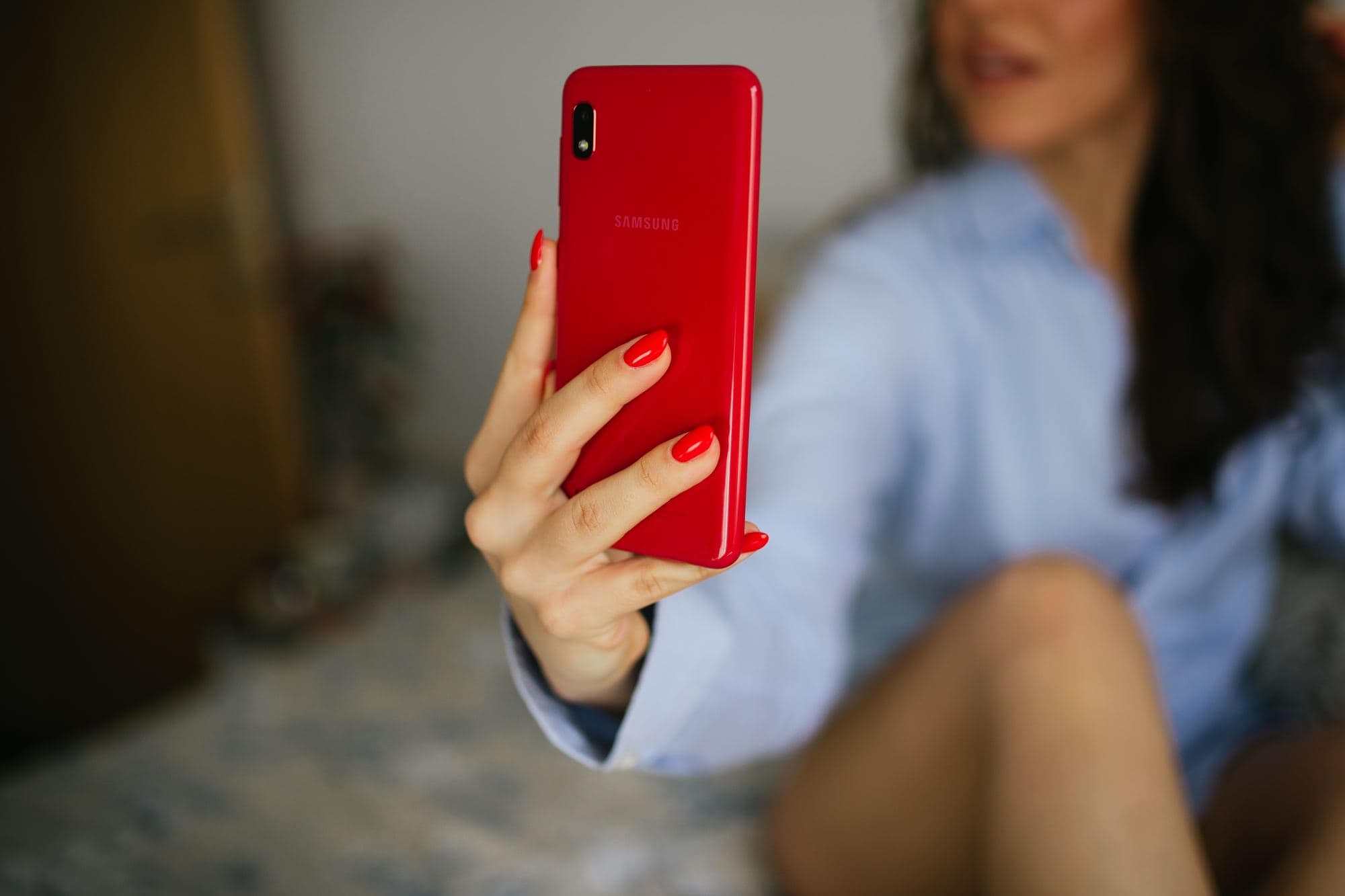
The latest technological barrier that BLS has added to its website is the biometric life test (Liveness Detection): to confirm an appointment, the system forces you to turn on the camera and make facial movements or take a selfie in real time.This feature fails miserably in more than 60% of attempts, kicking out legitimate users.Learn how to set it up to approve it on the first try.
What is BLS Facial Recognition?
To combat the use of trading bots that bought appointments en masse by entering automated data, BLS implemented a live biometric recognition module provided by facial detection algorithms.
Before confirming the shift, the system requests access to your device's webcam.The tool requires the user to center their face on a digital oval, blink, turn their head slightly or smile, verifying that there is a live person in front of the screen and comparing the capture with the photo in your passport.
The Main Reasons for System Failure
- Camera Permissions Blocked in the BrowserMany browsers block web pages from accessing the webcam by default.If you do not authorize the pop-up in less than 5 seconds, the BLS session freezes.
- Inadequate Lighting (Backlight)If you have a window or light bulb behind you, the algorithm does not detect the nodal points of your face (eyes, nose and chin) and returns the error 'Face not recognized' or 'Liveness check failed'.
- Access from Older Mobile PhonesVideo compression from low-resolution mobile front cameras or smartphone browsers is often incompatible with the BLS biometric capture JavaScript library.
 Keep readingIs BLS's Premium service mandatory?
Recommended Settings for Passing First Time
Carry out the process exclusively from a laptop or desktop computer with a webcam of at least 720p or 1080p.Sit in front of a white or neutral-colored wall, with a uniform front light source that directly illuminates your face without creating harsh shadows under your eyes.
Remove prescription glasses, sunglasses, caps, bangs that cover your eyebrows, or bulky headphones.Keep your gaze focused on the camera lens at a distance of approximately 50 centimeters.
Optimal Parameters to Pass BLS Facial Recognition
| Technical Element | Approved Configuration | Rejected Configuration | Cause of System Error |
|---|---|---|---|
| Facial Illumination | Soft and homogeneous front light (light ring) | Backlighting from windows or overhead lights | Biometric Embossing Contrast Failure |
| Head Position | In front of the lens at exact eye level | Head tilted or angled up/down | No coincide con plano Frankfort |
| Facial Accessories | 100% clear face, without glasses or hats | Seeing glasses with reflections on the lenses | Light refraction detected as a mask |
| Browser and Permissions | Google Chrome updated with HTTPS permissions | Integrated app browsers (Instagram, Safari) | I block the WebRTC API from getUserMedia |
| Stage Background | Smooth white or neutral wall without pictures | Dark backgrounds or people passing behind | Multiple face detection in frame |
Key Practical Tips
What the team recommends before you file anything:
- Use the Google Chrome browser updated to its latest version. It is the environment where the BLS biometric library has the lowest rate of compilation errors.
- If the camera oval turns black, go to Chrome's privacy settings (chrome://settings/content/camera) and make sure the BLS domain has explicit usage permission.
Required Documentation Checklist
- Computer with a previously tested webcam with a resolution equal to or greater than 720p.
- Room with clear front lighting and no backlights.
- Manually enabled camera permissions in browser settings.
- Completely clear face (without glasses, caps or accessories).
- Stable internet connection that prevents micro-cuts during the streaming of the life test.
Sources: Instrucciones de Seguridad Biométrica de BLS International Spain; Agencia Española de Protección de Datos (AEPD) - Criterios sobre tratamiento de datos biométricos; Pliego Técnico de Gestión de Visados del MAEC.